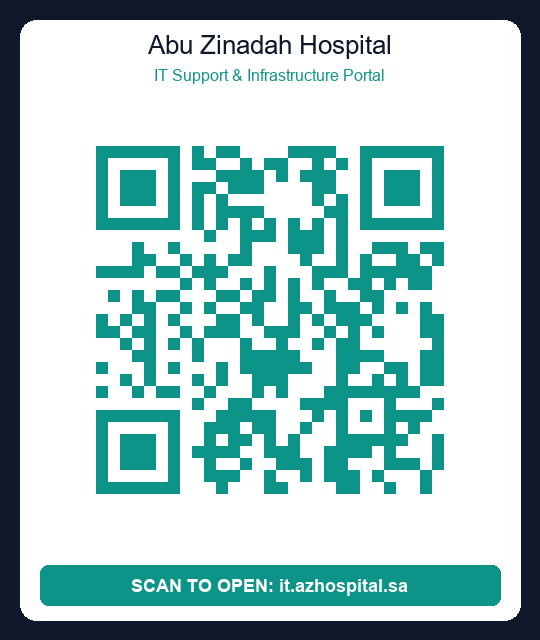
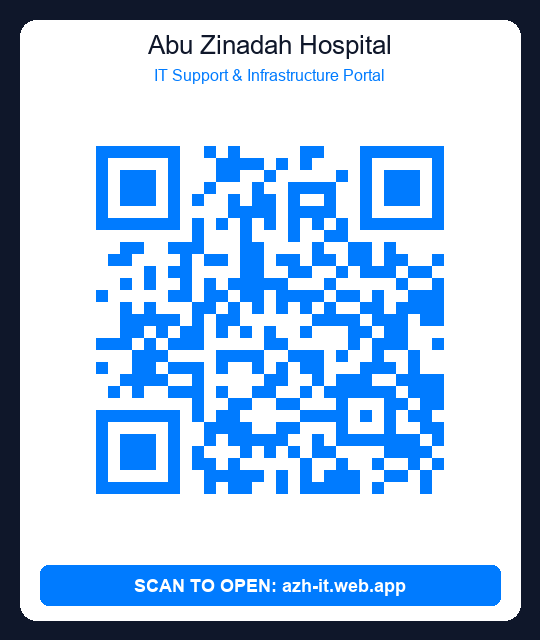
Clinical Self-Help Center
Resolve common hardware, network, and application issues instantly using official Abu Zinadah Hospital IT guidebooks.
🌐 WiFi & Network Troubleshooting Guide
Follow these steps if your device loses connection to clinical systems.
Confirm that your computer or tablet is connected to the secure AZH-Staff-Secure network, rather than the public guest channel.
Turn your system's WiFi toggle off, wait 10 seconds, and turn it back on to re-establish DHCP routing.
If on a stationary hospital workstation, verify that both ends of the blue Ethernet cable are firmly clicked in (wall outlet and back of system tower).
Abu Zinadah Hospital IT
Support & Ticketing System
Report hardware, software, network and other issues. Scan asset QR codes, track tickets in real-time, and get AI-powered help — all in one portal.
Submit a Ticket
Report any software or hardware IT issue
Scan Asset Code
Scan device QR / barcode tag to file ticket
AI Assistant
Let our AI help formulate your service ticket
Order IT Supplies
Order toner, ink, or new hardware without login
User Training Form
Request IT system, device, or EHR software training
Account Access Form
Request new computer or system menu access
Asset Catalog
Browse and search hospital equipment catalog
Submit IT Support Ticket
Provide the details of your technical issue. Our IT department will review it immediately.
Contact IT Department
Need urgent tech support? Contact IT Manager Tauseef Ahmed directly or send a message below.
Tauseef Ahmed
IT Department Manager
Mobile Phone
055-0261308
Support Email
Hospital Website
Hospital Location
Baghdadia, Jeddah, Saudi Arabia
About Abu Zanada Hospital
First established in 1951 and restructured in 1979, Abu Zanada Hospital is one of the oldest private hospitals in Jeddah, in the Baghdadia area. Over 38 years of trusted healthcare service since 1986, serving patients and clinic staff across all major medical specialties.
Hospital Gallery & Advertisements
Browse our latest news, announcements, advertisements, and community achievements.
Welcome, Employee!
Manage and track your active technical support requests.
Open Tickets
View0
Resolved Cases
View0
Supply Orders
Order0
| Ticket ID | Subject | Category | Priority | Date Created | Status | Actions |
|---|---|---|---|---|---|---|
| Loading your tickets... | ||||||
AI Support Assistant
Our intelligent agent is here to help diagnose and draft service requests automatically.
External Supply Request Form
Submit requests for IT hardware, toners, and printer ink without clinical login.
IT Command Desk
Hospital Systems Administration Overview
Active Tickets
0
Pending Queue
0
Closed Today
0
Cataloged Assets
0
Critical Operations Alert List
| ID | User | Subject | Category | Priority | Status | Action |
|---|---|---|---|---|---|---|
| All systems operational. No critical tickets. | ||||||
Issues Breakdown
No Ticket Selected
Select a ticket from the left panel queue list to review parameters, update progress, or submit replies.
Supply Orders Manager
Track, approve, and report on IT supplies and hardware requests
| Order ID | Date | Requester | Department | Items Requested | Status | Action |
|---|
No Order Selected
Select an order from the list to manage status history and approve/resolve requests.
Order Details
Order ID: AZH-ORD-12345
Date: 2026-07-20
Requester: Tauseef Ahmed
Employee ID: EMP-1002
Contact: Ext 105 (+96655123456)
Department: IT
Requested Items:
Actions:
Order History Log:
General Inquiries & Messages
Review, reply to, and export contact messages submitted by hospital staff.
| Date | Name | Department | Phone | Status |
|---|
Select a message from the list to view details and send a reply.
Message Details
Message ID: AZH-MSG-12345
Date Sent: 2026-07-20
Sender Name: User Name
Email Address: user@azhospital.sa
Phone Number: N/A
Department: N/A
Message Content:
Reply to Sender:
Sent Reply:
Replied by Admin on 2026-07-20
Computer Account Access Request
Please fill out the form below to request computer and application menu access.
Access Request Management
Review and complete computer accounts and application menu authorizations
AZH-ACC-XXXXX
Submitted on 2026-07-20
Employee Name
Employee No.
Department
Section
Manager Name
Manager Phone
Employment Status
Request Type
Menus & Applications Authorized
Other Requirements / Specifications
Signature Agreement
✓ Signed by Applicant Name
For Information Technology Services Use Only
Accounts Created By
Notification Given
Date Generated
Time Completed
Hospital Hardware Catalog
Computer, Printer, and Server Inventory Management
Total Hardware Assets
0
Computers
0
Printers
0
WIFI & Routers
0
| Code | Status | Brand / Model | OS | IP / MAC Address | Location | SN / PN / Tag | Installation Date | Remote Access | Department | Action |
|---|---|---|---|---|---|---|---|---|---|---|
| Loading equipment directory... | ||||||||||
IT System Reports & Analytics
Export historical tickets and analyze support resolution performance metrics.
Average Resolution Time
--
Resolution Rate
0%
Active Staff Users
0
Support Technician Workload
| Technician Name | Role | Open / In Progress Tickets | Resolved / Closed Tickets | Total Managed |
|---|
Priority Distribution
User Accounts & Permissions
Manage hospital employee accounts, assign support staff roles, and adjust database write permissions.
| User Display Name | Email Address | Department | Registered Role | Role Actions |
|---|---|---|---|---|
| Loading hospital directory... | ||||
My Profile Settings
Update your personal information, department location, and contact extension.
🔑 Change Account Password
Update your portal sign-in password.
Advertisement & Gallery Manager
Upload announcement pictures, posters, and advertisements to the homepage slideshow and public gallery.
Upload New Advertisement
Existing Advertisements
No advertisements uploaded yet.
Request Staff Training
Submit an official request for IT software orientation, medical device operation, or EHR system training.
User Training Management
Track staff attendance, manage device orientations, and issue certificates of completion.
Abu Zinadah Hospital
مستشفى أبو زنادة - قسم التدريب وتقنية المعلوماتTRAINING RECORDS REPORT
DATE: 7/23/2026
| # | DATE | RECORD ID | TRAINEES | DEPARTMENT | TOPIC / DEVICE | CERTIFICATE |
|---|